
Download the Axonic installation and troubleshooting guide here.
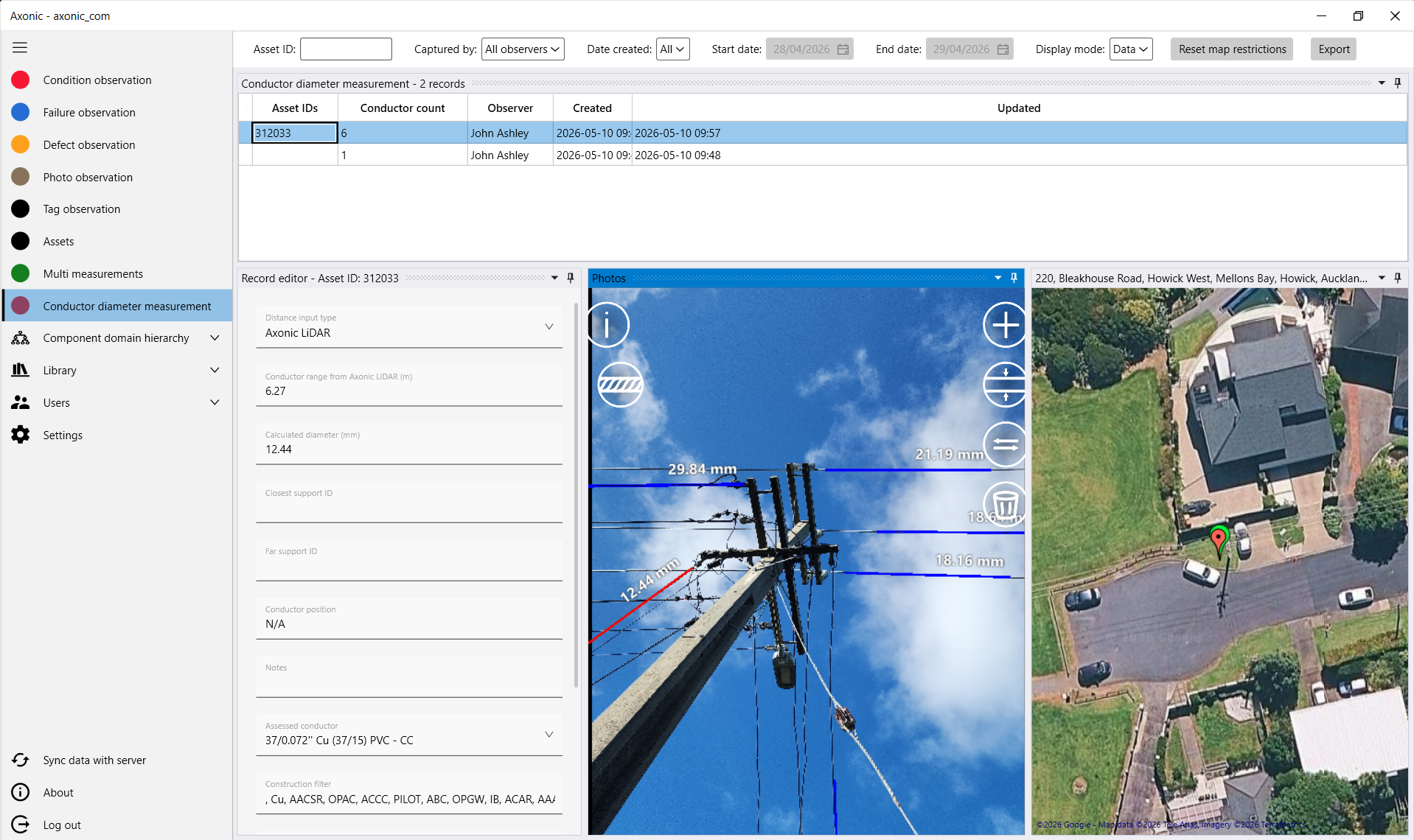
Axonic Desktop Application for Windows PC
The standard Windows installation method is the Axonic MSI package. Download it directly from:
https://linesmarts.com/Axonic/Axonic.msi
Axonic Mobile
The mobile app can be downloaded from the Apple App Store for iOS or Google Play for Android – search “Axonic” or use one of the links below.
iPhone (iOS) version of Axonic Mobile on App Store
Android version of Axonic Mobile on Google Play Store